Environment Configuration
Environment Configuration
-
Click on the + button to add an environment entry to be overwritten during the test.
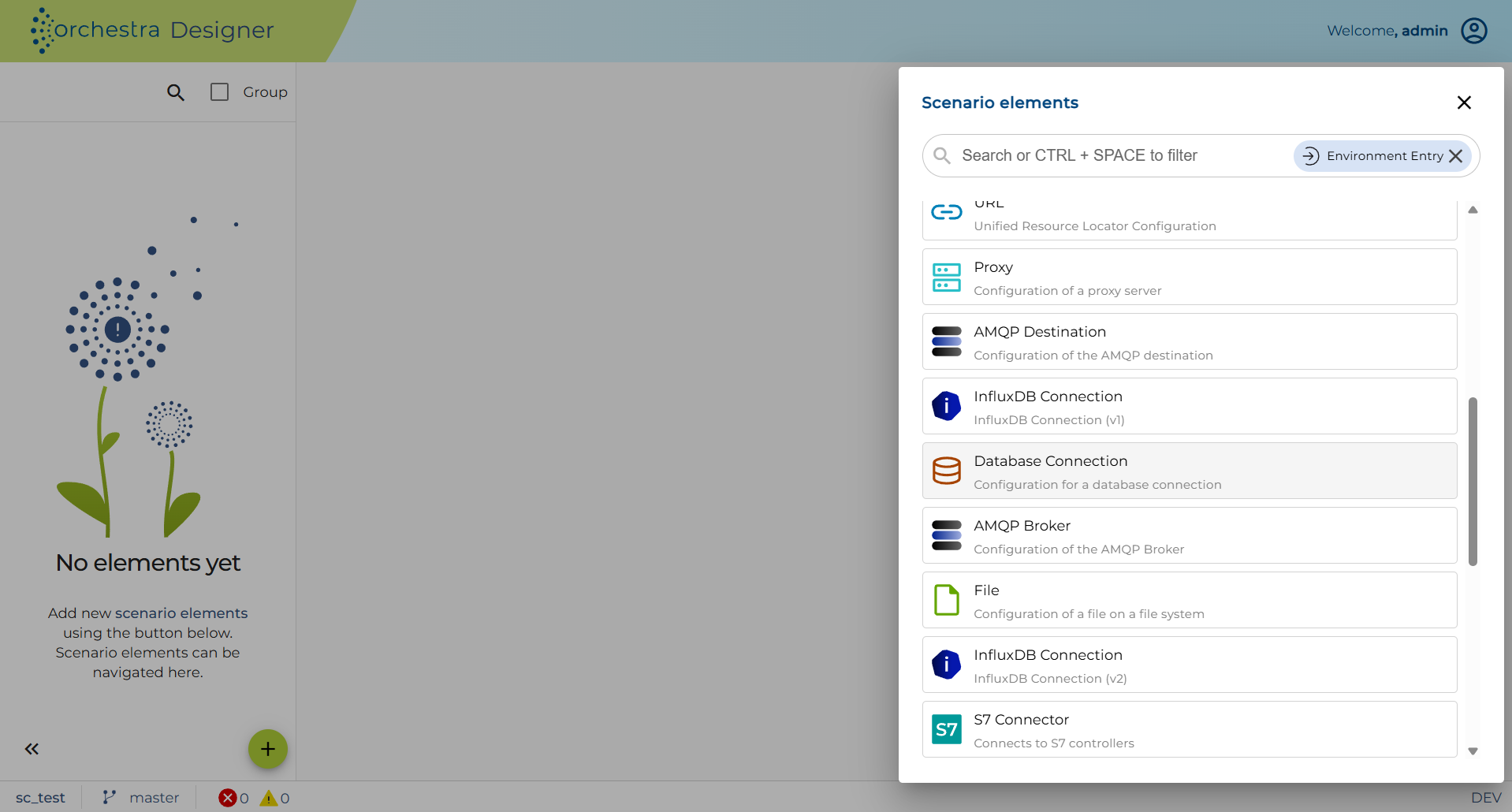
-
Click on the relevant Environment Entry.
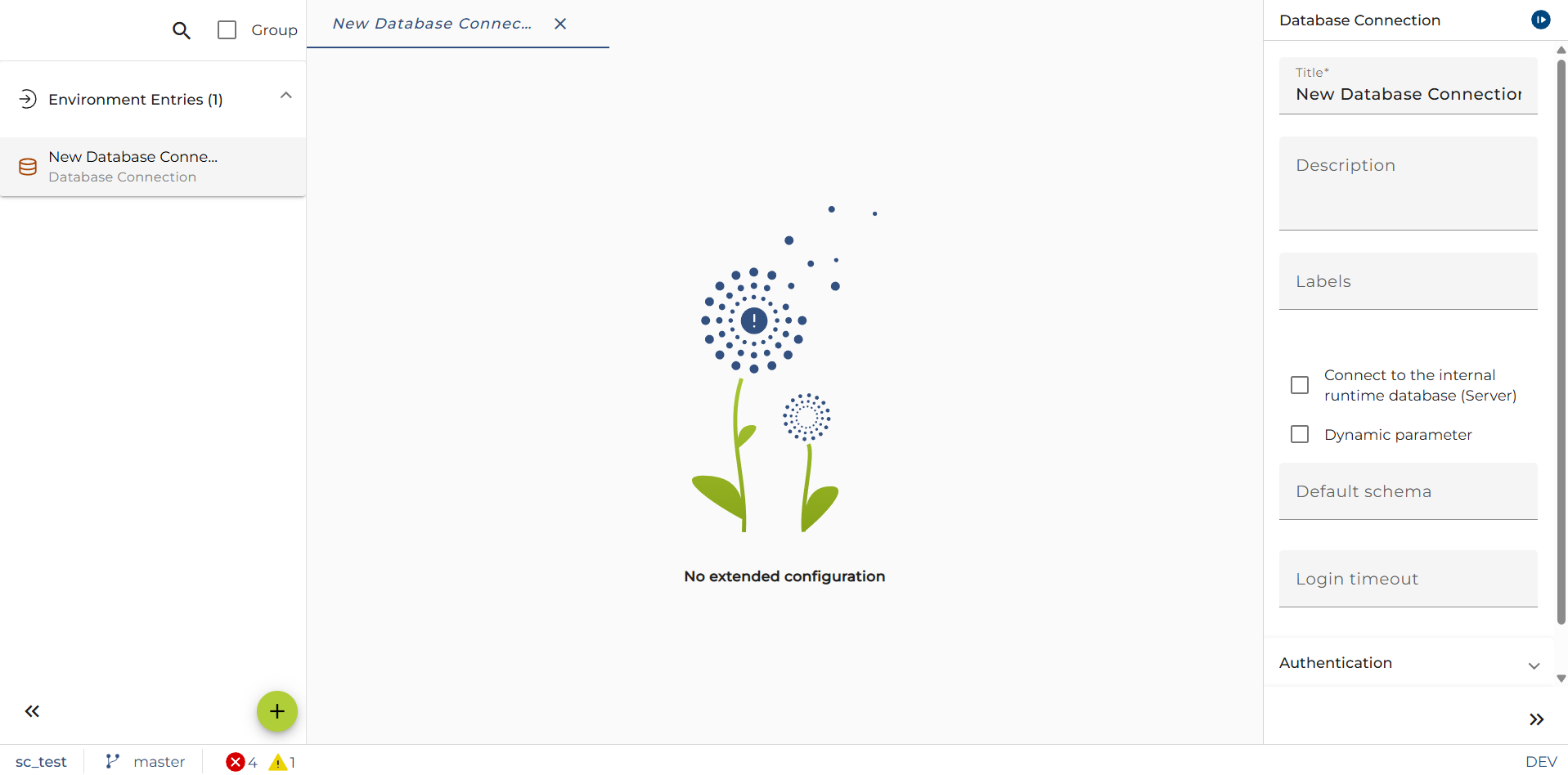
-
Depending on the selected Entry, you can enter your new Test properties.
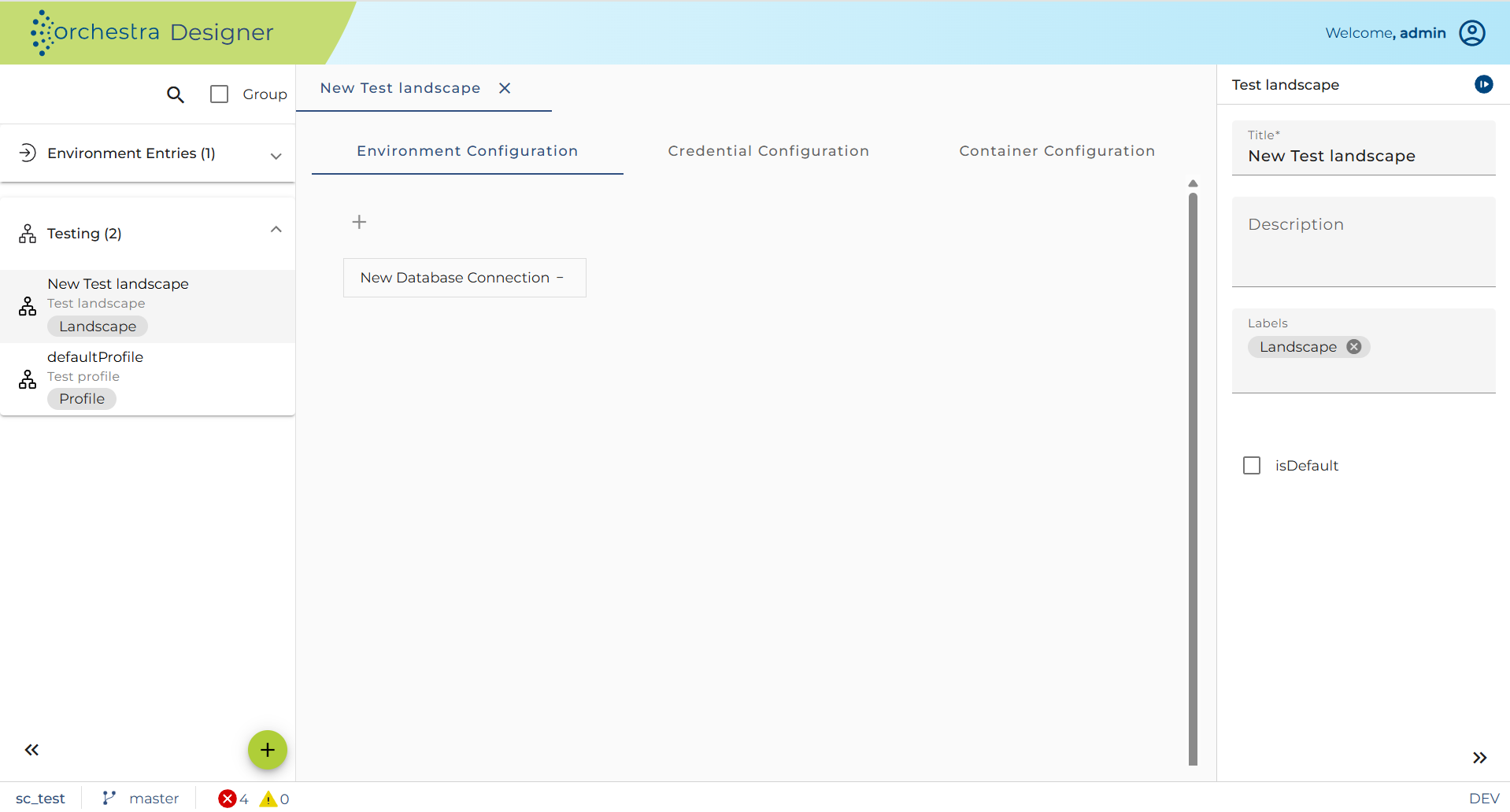
-
To change the properties of an Environment Entry, click on the Entry.
-
To delete the Environment Entry, click on the - next to the environment entry in the table.